You type a prompt, the model hands back something beautiful, and then the real work starts: move the subject a little, swap the background, drop a headline behind the product, animate the foreground. That is the moment a lot of AI art falls apart, because it was never built to come apart. Everything is welded into one flat sheet of pixels, and the thing you want to touch is fused to the thing behind it.
Here is the part most people miss. Whether an image can be edited later is mostly decided before you ever open an editor. It is decided at the prompt. Two images of the same subject can look equally polished, yet one separates into clean layers in seconds and the other fights you at every edge. This post is about writing the prompt that gives you the first kind.
What makes an image easy or hard to take apart
Separating an image into layers means answering one question for every object: what is behind it? Anywhere a thing is hidden, those pixels do not exist yet, and they have to be invented to make the layer whole. The more an image hides from itself, the harder it is to edit. A handful of things decide how much it hides:
- Overlap and occlusion. When objects pile in front of each other, each one buries the pixels of whatever sits behind. A clean composition with space between elements hides almost nothing. A dense one hides most of itself.
- Edge bleed. Wispy hair, motion blur, heavy bokeh, smoke, glass, and reflections all smear the boundary between a subject and its background. A smeared edge cannot be cut cleanly, because there is no clean line to cut along.
- Subjects cropped at the frame. If the subject runs off the edge of the image, part of it simply was never drawn. You can move it, but you can never make it whole, because the missing piece is gone.
- Busy backgrounds. A plain, even backdrop lifts off in one piece. A detailed scene behind the subject has to be rebuilt wherever the subject covered it, and the busier it is, the harder that is to fake convincingly.
- Fused lighting. Hard shadows and strong color spill make one object's light land on another, so they read as a single mass instead of separate things.
Those five are not mysterious. Every one of them is something you can nudge from the prompt. But first, it helps to actually see and measure the biggest one.
See it: how much is an image hiding?
Below are real scenes, already separated into their layers. Pick one and the inspector measures, layer by layer, how much of each was hidden behind the things in front of it. That hidden fraction is the work: it is the part a decomposition tool (or a human in Photoshop) has to reconstruct from nothing. Click any layer to see it on its own, with the reconstructed region marked. Switch scenes and watch how much each one hides from itself.
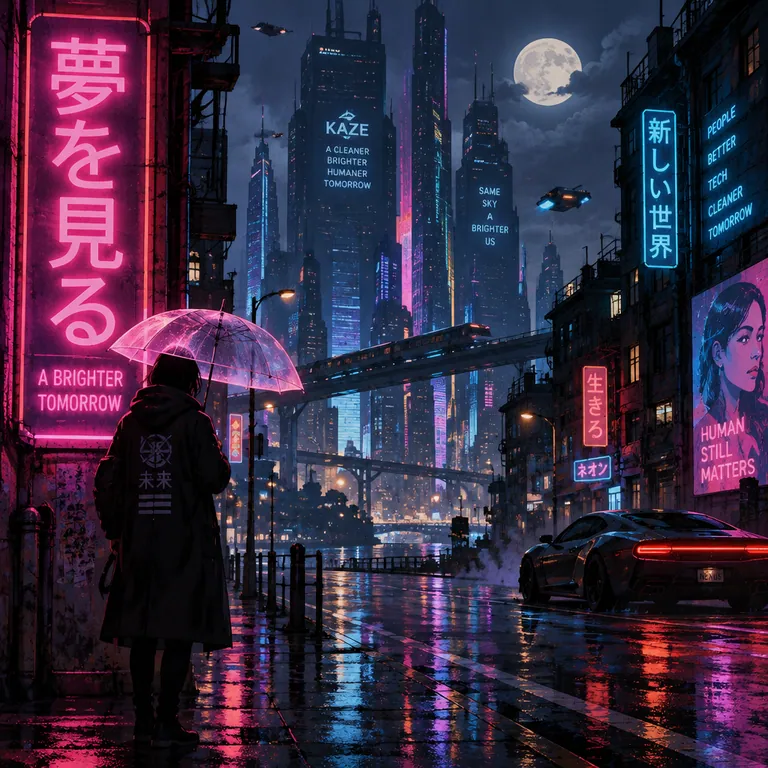
Notice what that number is really counting. Every percent is pixels one layer hid from another, pixels that had to be invented to make the layer whole. A single subject in open space hides almost nothing. Pile objects in front of each other, crop them at the frame, or fill the background with detail, and the hidden fraction climbs fast, and so does the work a tool or an artist has to do to put it back. And it is overlap, not how busy a picture looks, that drives it: a neon street with everything in its own lane hides less than a cosy room where the furniture piles up. The good news is that overlap is something you can steer, with the prompt.
The levers you control at the prompt
You cannot always control a composition completely, but you can push a generation toward the easy end of that scale with a few words. None of these make the image worse to look at. They just stop it from hiding so much from itself:
- Ask for a plain or seamless background instead of a detailed environment, when the scene allows it.
- Ask to keep the whole subject in frame, with a margin, so nothing important is cropped away.
- Ask for clear space between elements and minimal overlap, so objects are not buried in each other.
- Ask for soft, even lighting to keep shadows from gluing objects together.
- Ask for sharp focus, no motion blur and no heavy bokeh, so edges stay crisp enough to cut.
Put a few of those into words and you get a prompt that is just as striking and far kinder to edit. Build one here and take it with you.
None of this is about generating duller images. A seamless backdrop and clean separation are exactly what product shots, hero images, title cards, and anything you plan to animate want anyway. You are not giving up polish. You are keeping your options open, so the generation is a starting point you can keep working on rather than a dead end you have to regenerate from scratch.
And when you do want to pull a finished generation apart into real, complete layers, subject on one, background on another, every object free and made whole, that is the step Layermatix handles for you: a flat image goes in, clean and editable layers come out, with the hidden parts painted back in. Prompt for editability, and you hand it the easiest possible job. Bring an image and take it apart.